
Remove a Widget

Feb 01, 2026
 209
209
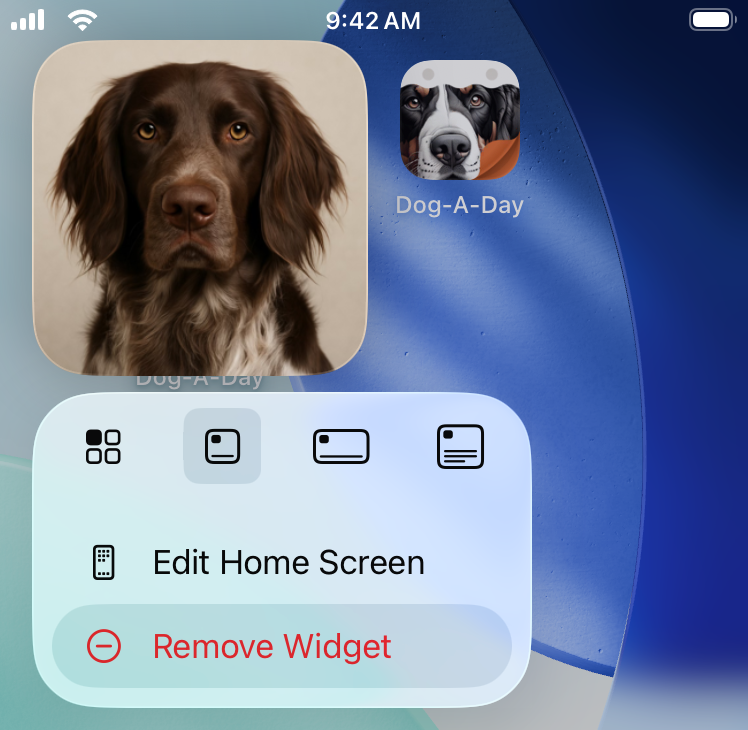
To remove a widget from your home screen just tap and hold on the widget, and then select Remove Widget from the popup menu.

 209
209
To remove a widget from your home screen just tap and hold on the widget, and then select Remove Widget from the popup menu.

