Move a Widget

Feb 01, 2026
 101
101
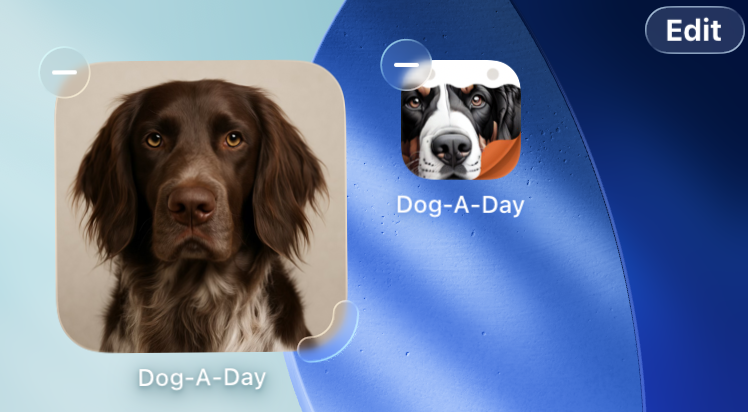
To move a widget on your home screen to a different position, you first need to enter the home screen edit mode where the app icons are "wiggling". To do this you can either:
- From the Home Screen, tap on an empty area and hold until the app icons begin to jiggle.
- Tap and hold on the widget (or any app icon) and select Edit Home Screen from the popup menu.
When in home screen edit mode, drag the widget to the desired location.