


Get started as a beta tester

Feb 10, 2026
 243
243
Thank you for becoming a beta tester!
You can test the app on an iPhone or an iPad.
Follow these instructions to get started.
- Install Apple's TestFlight app from the App Store by tapping on this link: https://itunes.apple.com/us/app/testflight/id899247664?mt=8 or search in the App Store for "apple testflight". The app icon for TestFlight looks like this:

- After the TestFlight app is installed, don't launch the app just yet. Instead return to this page and tap on the following link to join our beta tester program: https://testflight.apple.com/join/7UC9WdyY
- Tap on the Open button in the "Open in TestFlight" dialog.
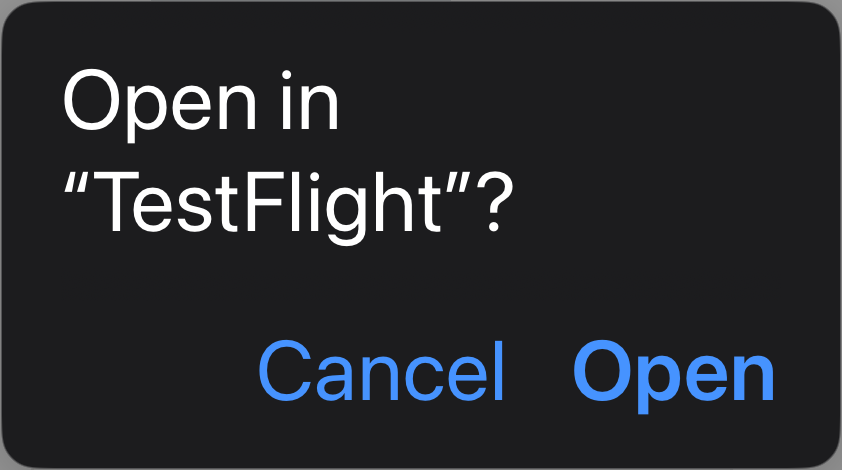
- If you instead see a dialog asking you for an invite code, then exit the TestFlight app, come back to this page, and tap on the join link above.
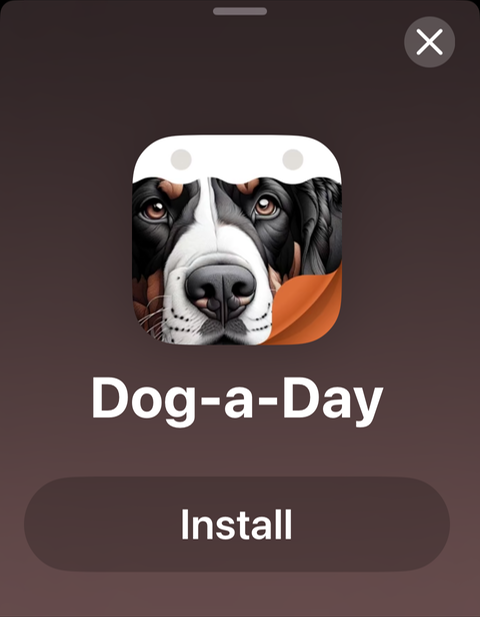
- In the TestFlight app accept Apple's terms and conditions, if asked. Then tap the Install button for Dog-a-Day:
- When the app has finished installing, you can tap on the Open button. Or launch the app from your home screen just like you do with any app. Note that there is a small yellow dot in front of the app name under the app icon. This is an indication that the app was installed from TestFlight.

